Mus Tech Week 1: Doors
Today we started off the lesson with some quiet meditation outside in the botanical gardens. As we sat under the swaying trees, James led us through some mental exercises, such as counting our breaths. Back inside, we learned about Soundtrap, which is software that allows you to create music using different loops. James then spent the rest of the lesson allowing us to try to compose our own little songs, occasionally stopping to hear each other’s compositions. We were also encouraged to use the MIDI keyboards connected to our desktops, allowing us to input our own notes instead of choosing solely from the premade loops.
See below for the beginnings of my composition “Lost in Thought”
Carlos Gundelach · Lost in Thought
Mus Tech Week 2: Microphones
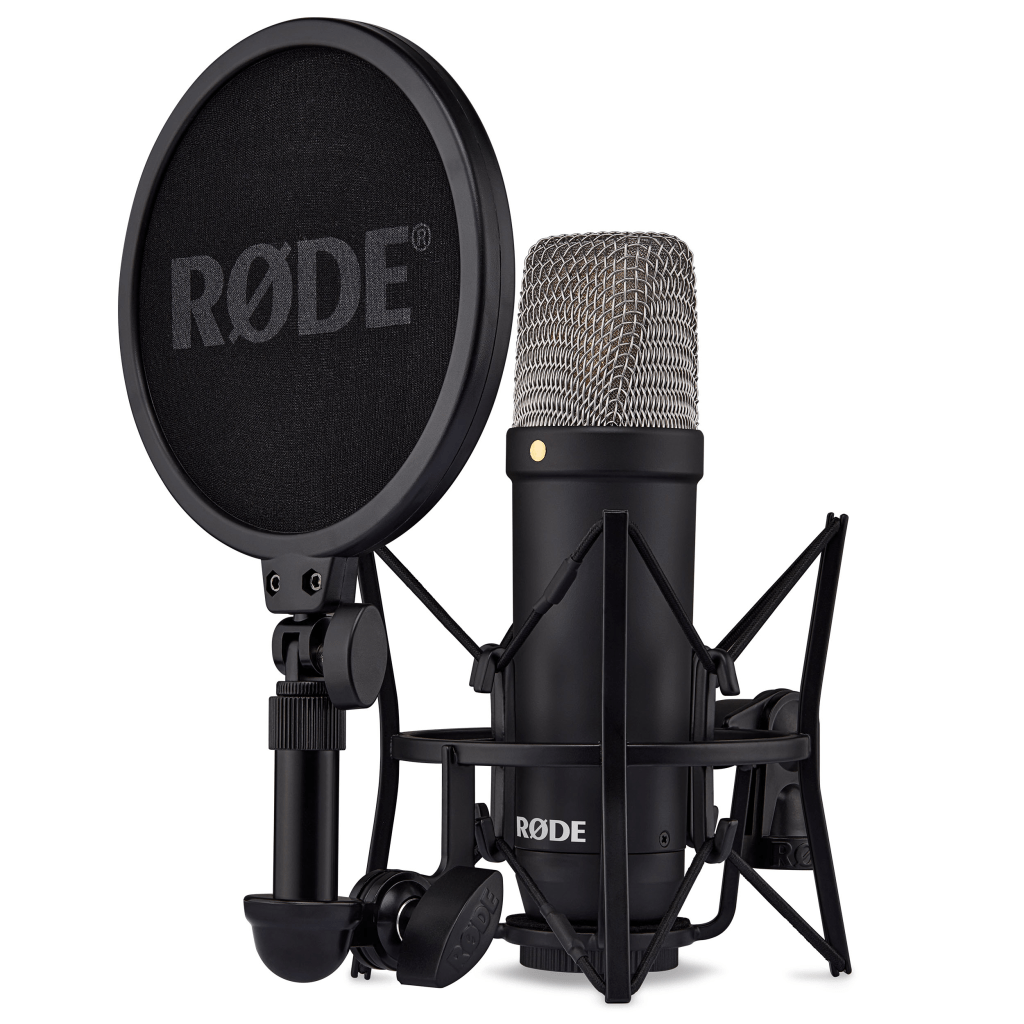
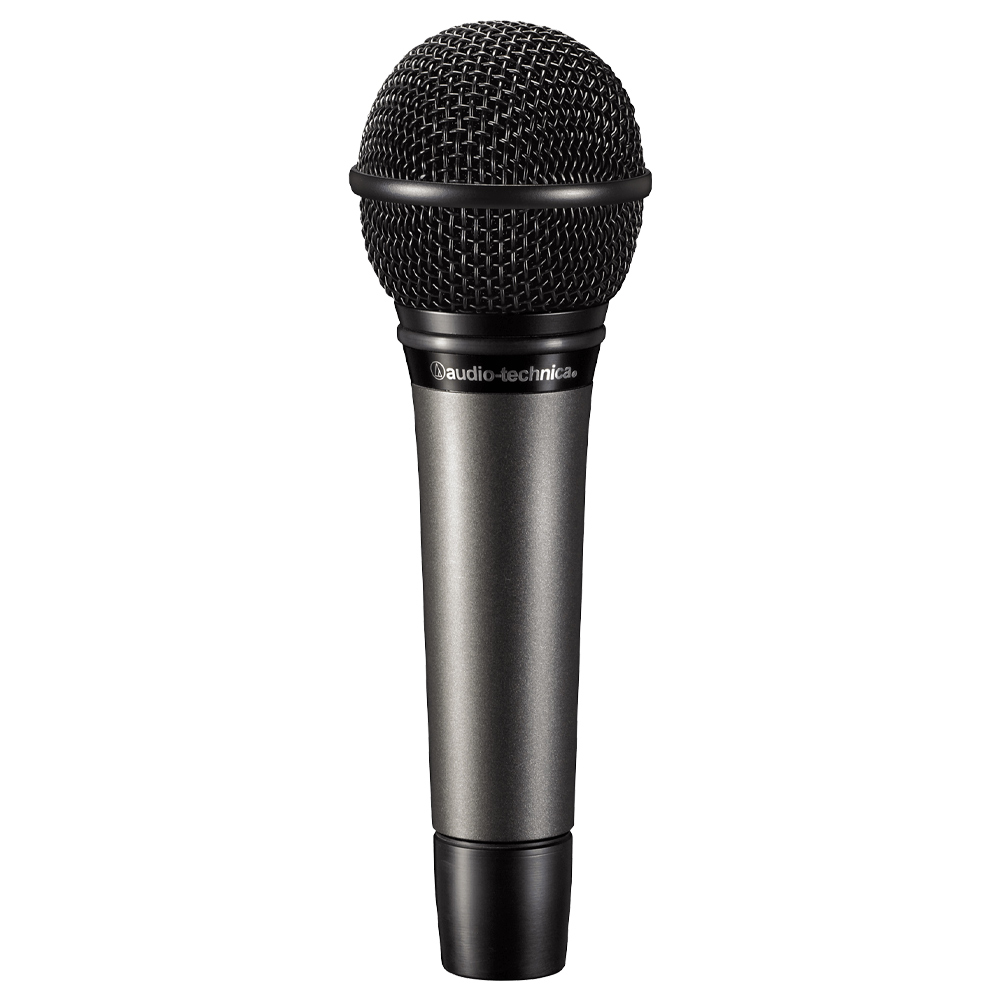
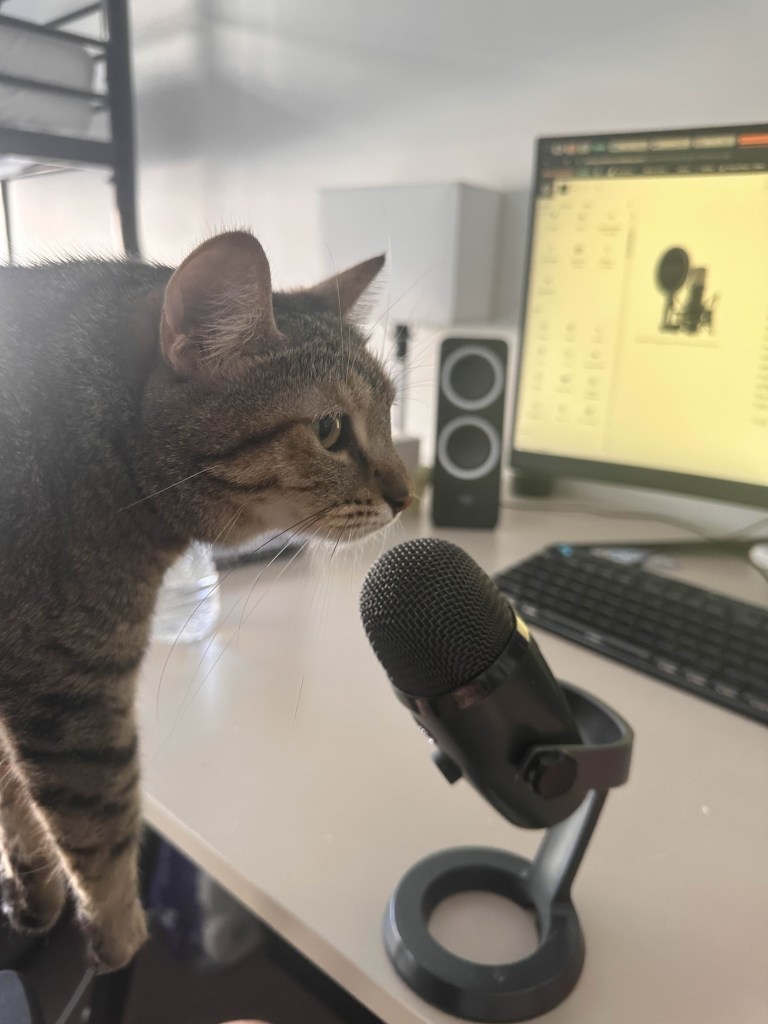
In this week of Mus Tech, we learned all about microphones, specifically comparing dynamic vs. condenser-style mics. As the name suggests, dynamic mics have moving parts within the mic, which allows them to handle high sound pressure levels and makes them a sturdy, affordable option when recording. These microphones are particularly well-suited for live performances and louder sound sources, such as electric guitars and drums, where their durability shines through. On the other hand, condenser microphones, which use a different technology involving a diaphragm that moves in response to sound, provide a wider frequency response and greater sensitivity, making them ideal for studio recordings and capturing vocals or acoustic instruments with high fidelity. By understanding these key differences, we can make more informed choices when selecting the right microphone for various recording situations, ensuring that we achieve the best possible sound quality in our projects.
Mus Tech Week 3: Lights, Camera, Action
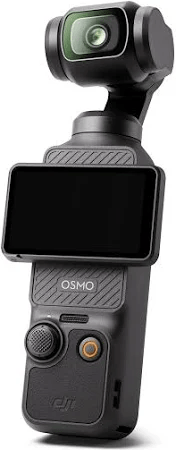
For this week of MusTech, James showed us how to capture live video and audio, including multi-cam filming and lighting. He first ran the class through the various equipment he brought, some from his personal collections and others provided by the university. These included a mix of Fuji, Canon, and DJI cameras, as well as Rode audio mics. After explaining the benefits and uses of each camera, he then gave us the rest of the lesson to run free and create our own video with only a few parameters. We had to have at least five group members, two camera operators, one gaffer (lighting technician), one sound mixer, and finally a director. I was Camera Man 1, in charge of shooting on the DJI Osmo Pocket 3, which we mainly used for POV and tracking shots. In James’ demonstration, he showed us how gyro technology in the Osmo allowed for stable face tracking and smoother footage. In my demonstration, I show how Delilah can also achieve a similar result with the use of a laser and my annoying roommate; see below for proof.
Mus Tech Week 4: Copyright/Composing Software
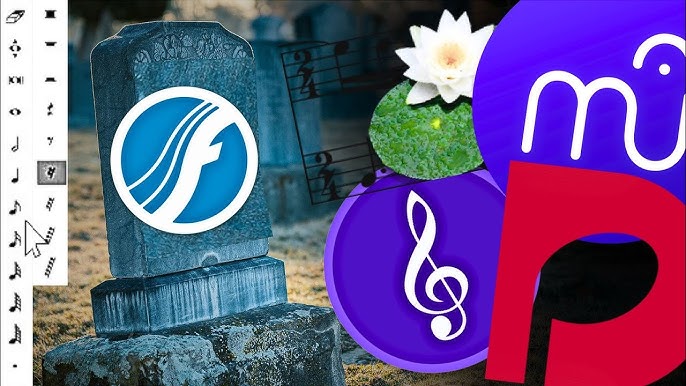
Swapping it up from last week’s capturing film with audio class, this week we dived into the complex world of using digital notation software and in turn Australia’s copyright laws. When it comes to notation software, three different brands were dominant within the market. Sibelius, Dorico, and the dearly departed Finale dominated the market for many years, with either three always being selected by amateur and professional composers alike. It wasn’t until Finale ended its development that other free software such as Flat.io, Noteflight, and my personal favorite Musescore suddenly became a viable option over the rather expensive Sibelius and Dorico. Musescore recently released its latest update 4.5 with speedy inputs of dynamics, new shortcuts/popups, and the unique percussion input panel allowing faster note input and a seamless integration with Musescore’s percussion library. With all these free updates, Musescore is giving its other often-paid competitors a run for their money.
Mus Tech Week 5: Post Edit
This week we at last came back to our short film now called The Absence of Coyle as we dove into the complex world of editing. Unbeknownst to us, James had chosen our work as the exemplar to show to both classes. He especially liked how we made sure to include a clap and description in each recording to help synchronize the audio from our two different cameras. He then showed us, again using our amazing footage, how to synchronize the two different videos. After showing us a few more features on the editing software we were using (ScreenFlow), James gave us the reins as we started editing our own footage. We decided to split our team into three groups, with each group editing a different scene. I was in charge of the first two shots, which included a B-roll shot of us walking towards Coyle’s office, then an interview scene that immediately followed this intro. Throughout the rest of the class, James would call us back to show us other features such as adding text over our video, layering our different shots to have a seamless transition, and how to add audio to the backgrounds of our video.
Mus Tech Week 6: The World of Synths
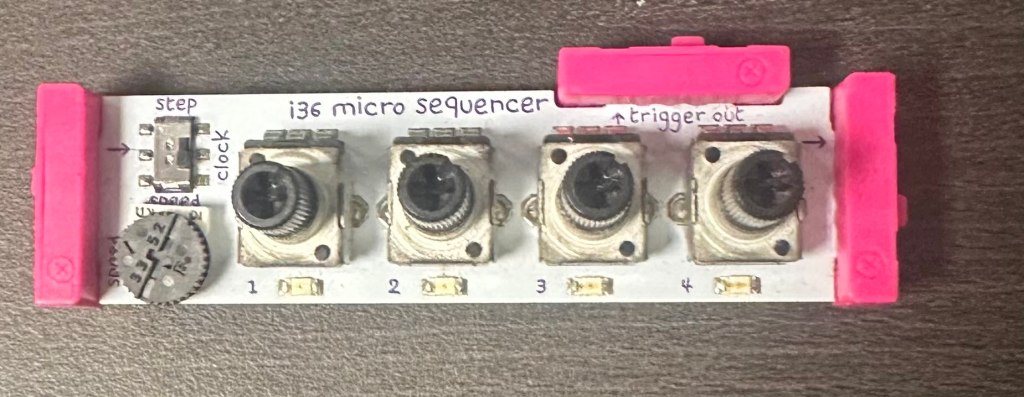
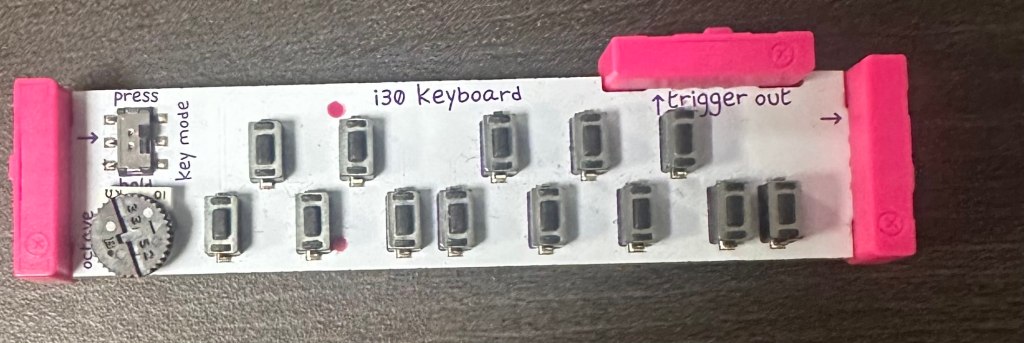
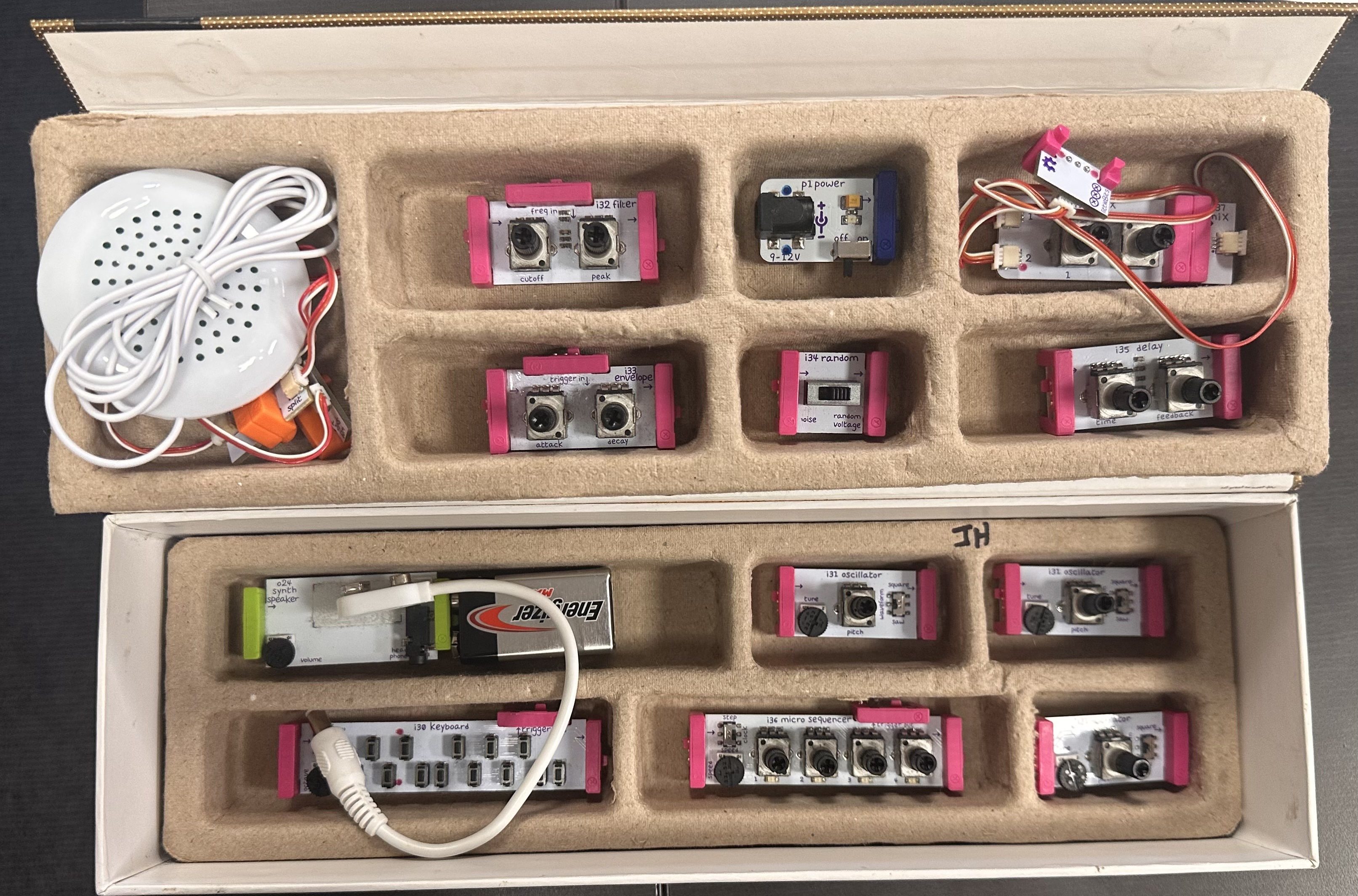
For today’s lesson, James spiced things up a bit as we came into class and were given no instructions; instead, he signaled for us to go to one of the three egg cartons on the tables and start “tinkering musically.” Inside these egg cartons was an arrangement of little circuits, each with a label on it describing its function. In our groups, we read the instructions on how to connect each brick to create a sound, making sure we put them in the correct order. After everyone had a turn creating a sound that seemed like it was trying to contact aliens, James gathered the class around to discuss how an 8-volt battery, some circuits, and a speaker could produce this weird and wacky sound. The key to understanding how synths create a sound lies within VCOs or voltage-controlled oscillators. In basic terms, an oscillator converts direct current (DC) into alternating current (AC); this process creates different types of recurring waves that, once amplified, produce that iconic synth sound. By adding different signals or filters such as envelopes, LFOs, or sequencers, we can modulate this sound. After James explained this, probably in a much better way than my attempt, we moved to the program Soundtrap on our laptops to see how the same activity we just participated in could be replicated virtually.
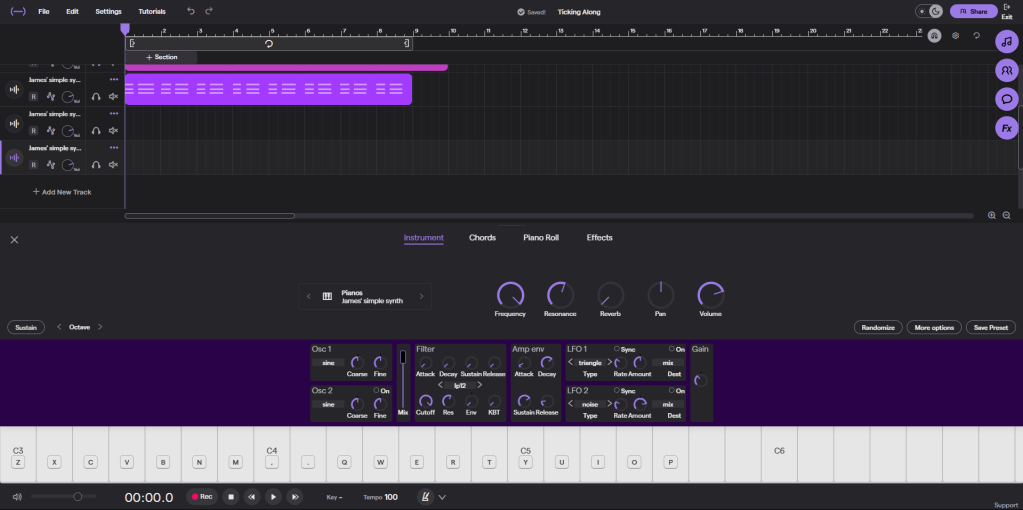
Finally for the rest of the lessons we were encouraged to create some music using the digital synth, seeing how the different types of wave such as sine, square, saw affect the sound.
Delilah Intermission
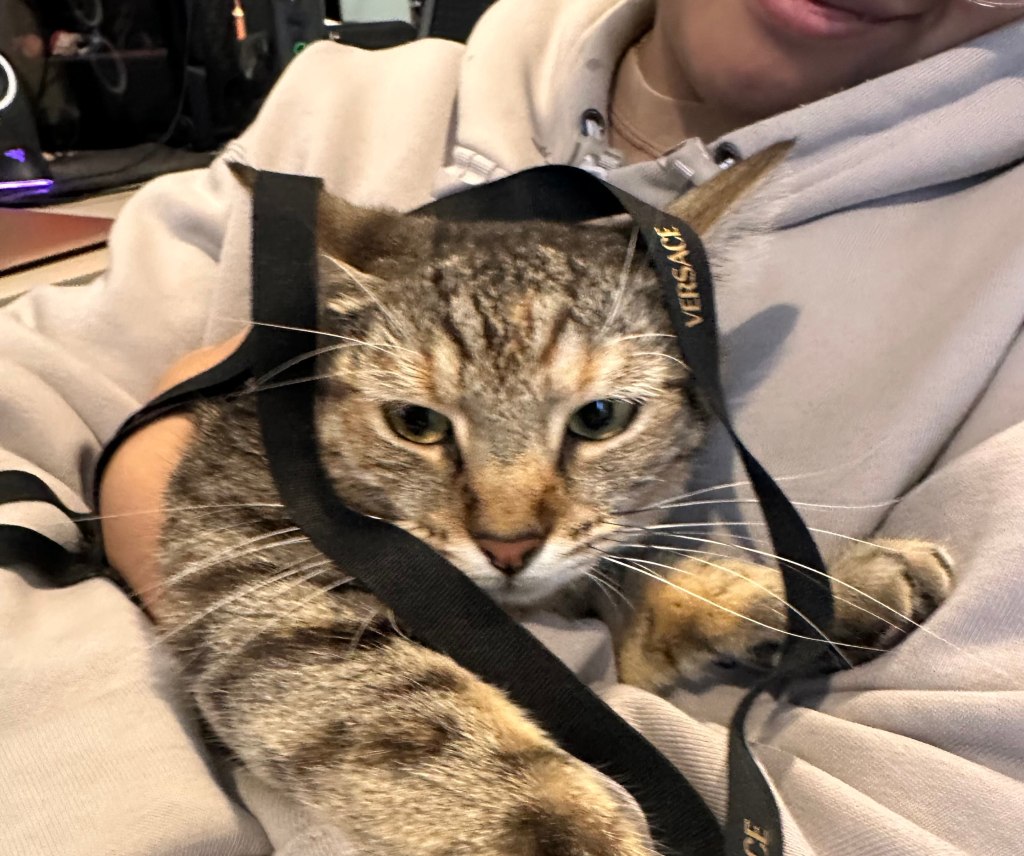
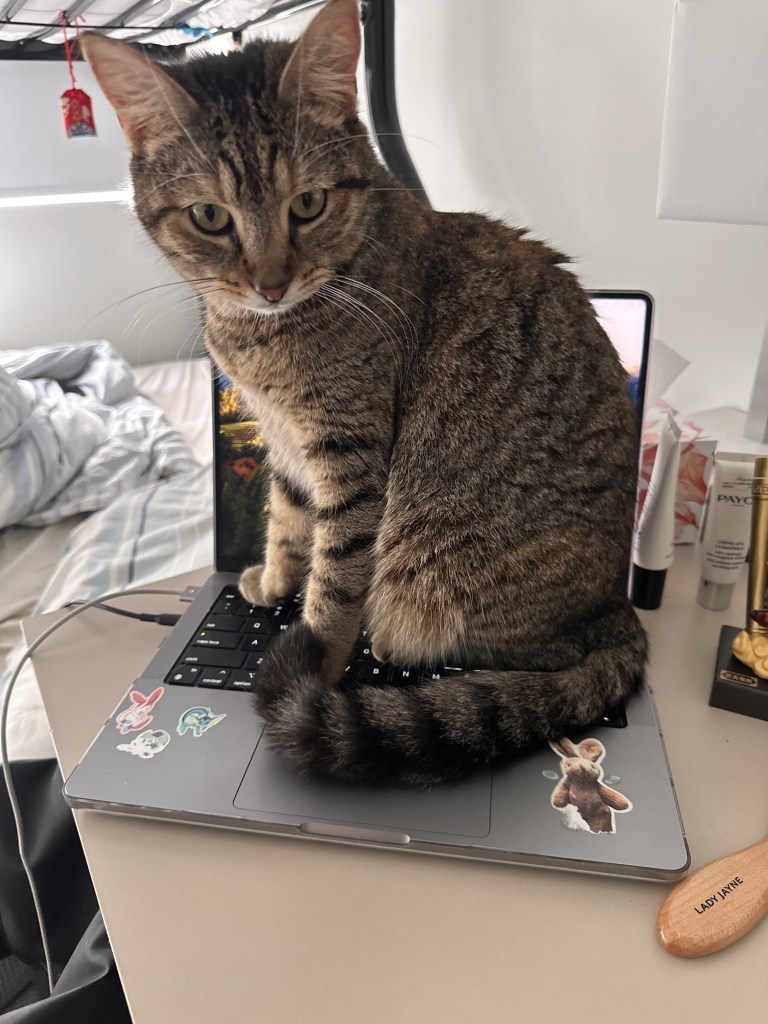
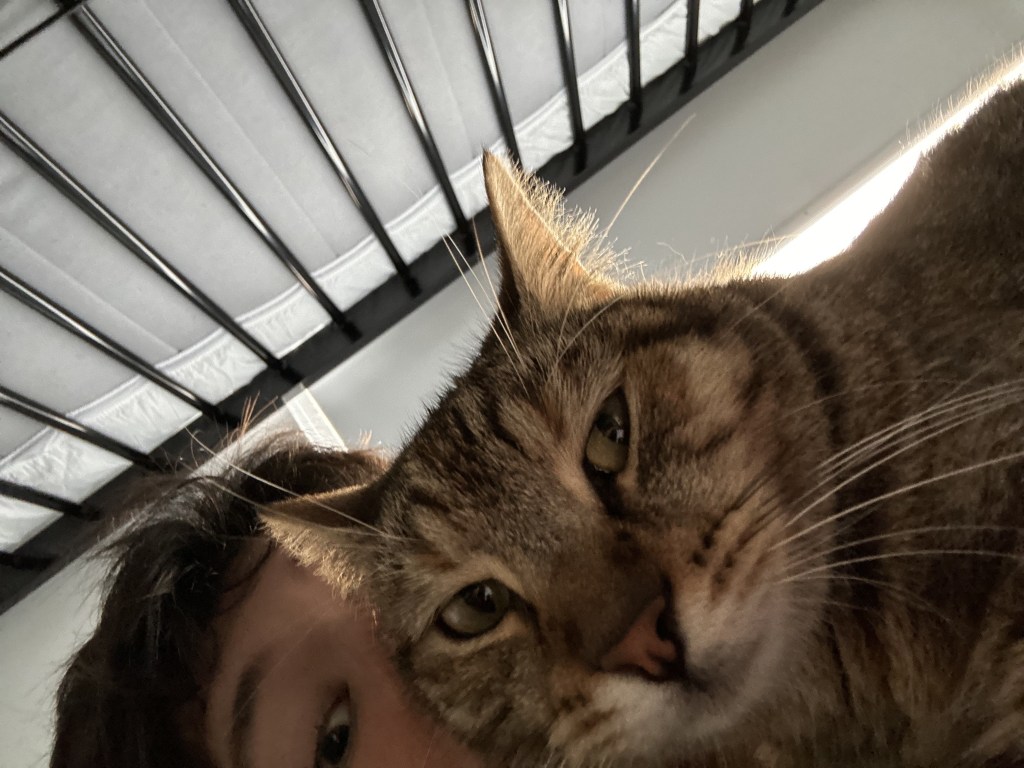
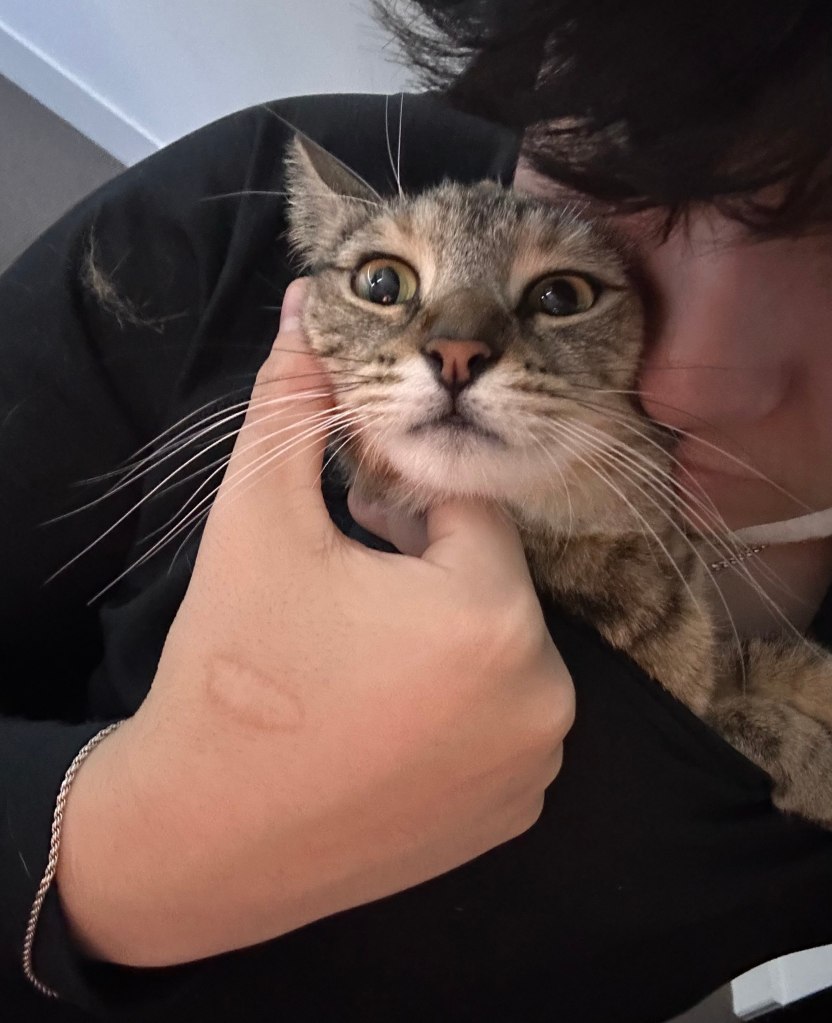
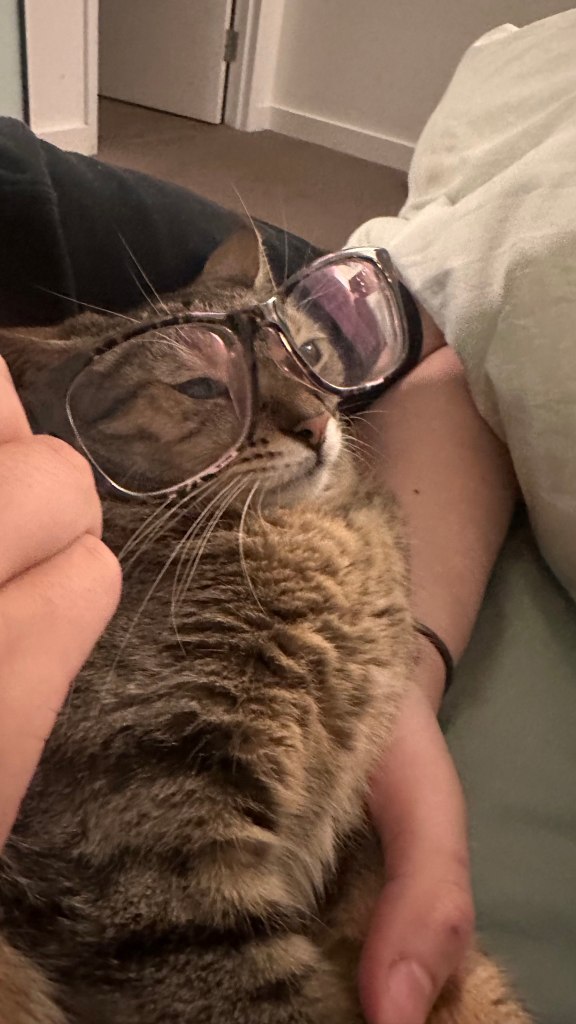
As I was unfortunately unable to attend this weeks seminar on loop stations I will instead bombard my readers with cute delilah footage to atone for my sins.
Every now and then Delilah has a involuntary shower and she comes out looking like a wet rat then proceeds to “clean” herself enjoy.
Week 7 GAMING TIMEEEE (not really)
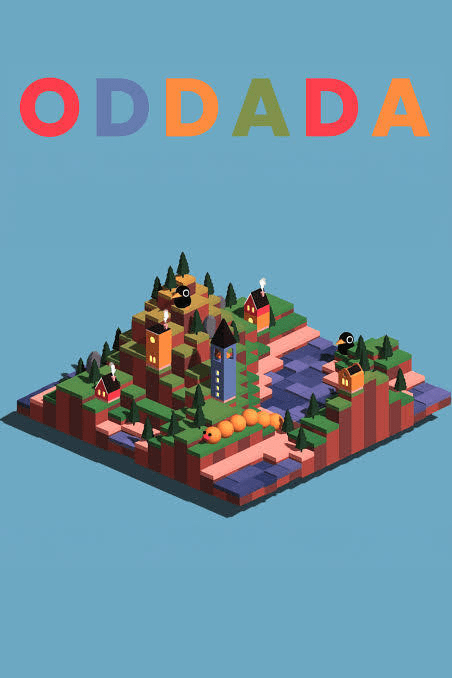
This week we learned about my favorite topic so far: Digital Based Game Learning, or DGBL. James was back from his Athens trip, so after many tears were shed over his return, we went straight back into it, going to one of the five laptops set up around the room, each showcasing a relatively new musical/indie game, Oddada. Oddada, released in 2023, is a “no pressure roguelite music builder” where the gamer plays as a train that moves between different musical areas, adding to their tape recorders. After tinkering around, we broke up to delve into developing our own games instead of playing something prebuilt. So we then followed James’s instructions on how to build a rhythm game on a free online programming software, Scratch. For the rest of the lesson, we worked on our games, getting as far as we could, programming each step and function of the game.
Week 9: Ableton Move
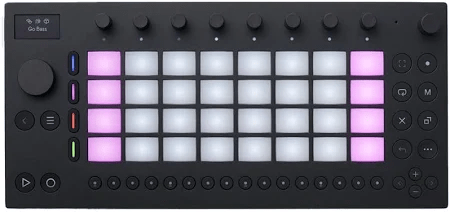
After our mid-semester break, James had a special guest, Matt Ridgeway, take our week 9 class. Matt flew up from Melbourne with a bunch of Move devices to show off one of Ableton’s musical technologies called Move. Ableton describes it as a “portable tool for intuitive music making,” but I see it as a small loop station that helps you create music without the need for a band or recording studio. Matt started off by talking us through his teaching career and how he came to work at Ableton. He then passed around a Move for each of us to work on. Then, throughout the remainder of the class, we explored all the different functions on each of our little gadgets, composing our own little pieces. Every now and then, Matt would encourage us to take our headphones off and listen to each other’s work, also prompting us to share any new features we discovered on the Move. Throughout the lesson, I started to see the potential of making this my project for the expo in June. After discussing with James, he allowed me to borrow his own personal Move so I could start figuring out exactly what I wanted to do. In the end, it was a very interactive and educational lesson, like always.
Week 11: The Project Expedition 33
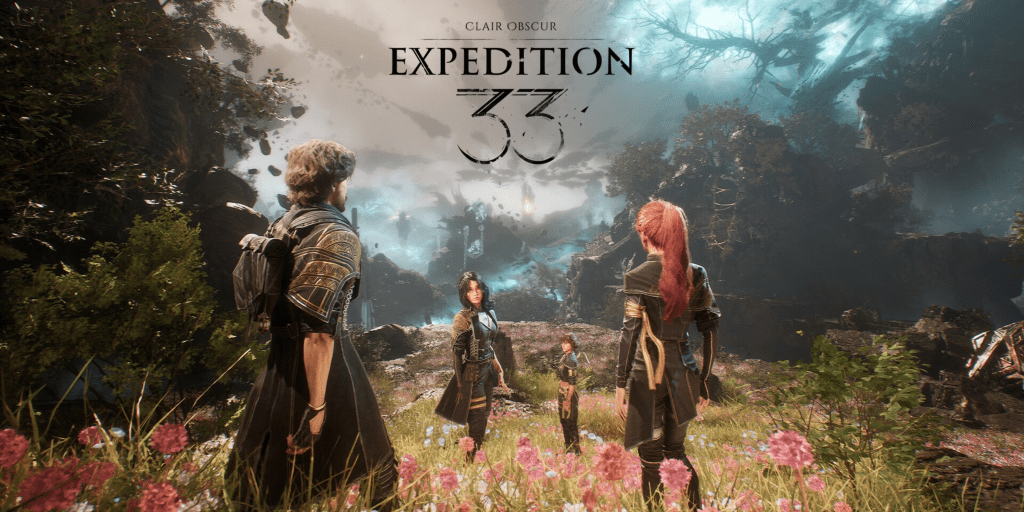
This week, James started the class off with a quick intro about A.I. and the impacts it’s having on teaching in the class. We had some discussions about very interesting topics such as the legality of A.I.-generated music, as most programs base it on already made music, and also voice changers that are based on current-day singers. Afterwards, James gave the rest of the class to work on our projects, and so I am proud to announce the finalization of what we have decided to do. After many revisions on ideas, I have left Ableton Move behind and instead am joining forces with my good friend Aiden to create a VOD or video on demand. As to what our VOD will feature, we have chosen to stream new and exciting gameplay from Clair Obscur: Expedition 33, developed by a French studio. This turn-based game, which only released a few months ago, is already in the running for best soundtrack of the year, featuring stunning operatic-themed classical French music. While I will be creating the stream, Aiden will handle the post-editing using software like Premiere Pro and OBS. So for this week’s homework, I will be “studying” Expedition 33, analyzing its gameplay and focusing on the musical aspect of the game.
 Journey Through Music Education